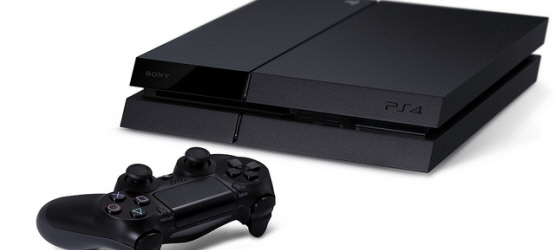
In an email sent to us by an anonymous person, Sony revealed that they’ll be running a System Software Beta Testing Program on PlayStation 4, giving people the chance to try out new system features before they’re released to the public.
Eligible participants will receive a voucher code through PSN Message over the next few days. Then, you can update your PS4 to version 2.50 Beta by redeeming the code and selecting [Settings] > [System Software Update] > [System Software (Beta)].
Asking participants to play games as much as possible once it’s installed, here’s the main features associated with the 2.50 Beta:
- You can now set the system software to rest mode without terminating an application. You can set this by navigating to [Power-Saving Setting] > [Set Features in Stand-by Mode] > [Settings] > [Power-Saving Setting] > [Set Functions Available in Rest mode] > [Keep Application Suspended].
- [Accessibility] is now added to [Setting]. You can now set up accessibility-related functions, such as zooming and button assignment.
There’s a lot of restrictions with the System Software Beta Testing Program, including:
- Some behaviors might be different from the final release version of 2.50.
- The Beta Program software may not have some features present in the official version of 2.50.
- As noted above, you will not be able to restore the version to older than v2.50 once you install the Beta Program software so we strongly recommend that you make a backup of necessary data.
- During the Beta Program, system initialization and a system software update file to replace the HDD will not be provided. It will however be available once the official version of 2.50 is released.
- Share Play cannot be used by a user on a PS4 system running system software version earlier than v2.50. Users who are both running the System Software Beta Testing Program software will be able to connect to their systems for Share Play.
- Remote Play cannot be used with a PS Vita system running system software version 3.35. A new system software update (to be released later) is required.
- No streaming of any kind is available during the Beta Program (via on console or through another service such as Twitch).
To go along with this information, Wario64 has reportedly seen the full changelog for the 2.50 Beta, which also includes Share Play at 60fps, the ability to delete Trophies at 0%, search Trophy details online, and share Trophy details and screenshots.
Currently, the PS4 is at version 2.04.
What do you think about Sony offering a beta program for future system software updates?
[Source: Wario64 (Twitter 1, 2, 3]
Essential Reading:
- The Ultimate – The Last of Us 2
- PS2 Turns 15: The Best Games Ever Released for the Iconic Console
- 11 Reasons Why It’s Time You Owned a PS4
Gaming Accessories Gallery
-
1) PS4, PS Vita Gaming Accessories - The Good, The Bad, and The Ugly
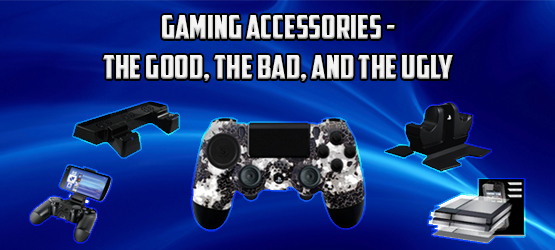
Check out a list of accessories you can buy for the PS4 and PS Vita!
-
2) SCUF 4PS
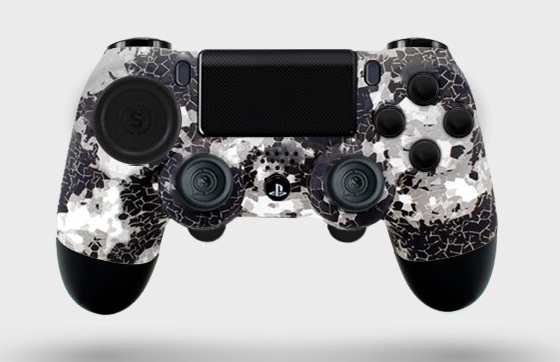
For those who want to optimise their DualShock 4's performance, the SCUF "4PS" is the way to go. Featuring many enhancements over the standard controller, the SCUF is a popular choice amongst gaming pros and enthusiasts.
However, the price might be a big barrier to overcome for some (most) gamers with its $149.95 price tag.
If that's fine with you, you can get at SCRUF's official site.
-
3) Sony Pulse Wireless Headset (Gold and Silver)
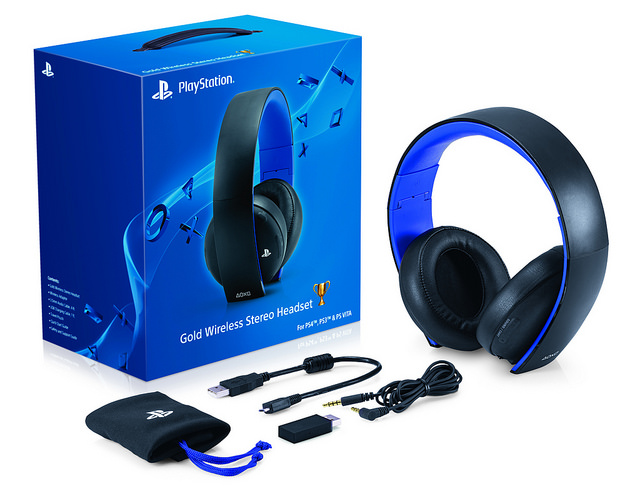
Possibly the best gaming headset you can get for just $100, the Pulse headsets are not only official, but they're awesome. Rocking 7.1 virtual surround sound, these bad boys even have customized audio profiles for specific games that support it.
And yes, they work with your phones, PCs, Vita and other audio devices, too.
If you can, go get the Gold one, but if not, the Silver one should suffice.
(via Amazon)
-
4) Thumb Grips
I would almost say these are a necessity with the not so reliable DualShock 4 joysticks. Cheap and easy to attach, these will not only keep your thumbs from slipping during a long Diablo session, but it will also keep them from getting worn off. (via EB)
-
5) Starter Kits
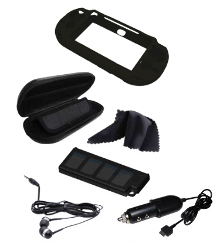
Starter kits are my most hated of add-on accessories. There is usually only one (or maybe two) items in the whole thing that you might use, and the rest end up being regretted justifications. If you want a carrying case, just buy a separate one. You don’t need those headphones. Trust me. (via EB)
-
6) Chatboost

Similar to the chatpad available on the Xbox 360, the PlayStation 4 Chatboost allows you to quickly and easily type on your PS4. Typically, I wouldn’t recommend a chatpad for your system, but with the addition of the easily accessible share button, I find myself reaching for the chatpad more and more often. It also extends the battery life of your charger by almost double, which we all know is a plus. (via Collective Minds)
-
7) Cool and Charge
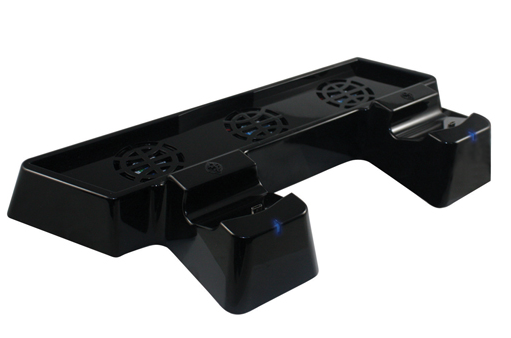
There are so many different stands, coolers, and chargers available, that if those are accessories you want, the Collective Minds stand combines all three into one sleek looking unit. The downside is the space: if you don’t have room to store your PS4 on a top surface, it’s not going to work for you. (via Bestbuy)
-
8) Dust Proof Kit
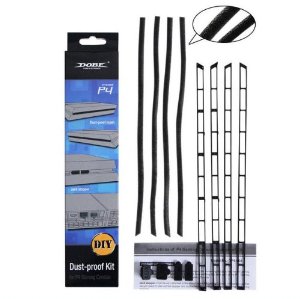
These, believe it or not, can actually make the venting worse on your system. While it does keep dust out, it also severely limits the air exchange. If you have dust concerns, two things will help: keep it in open air, not in an entertainment center, and vacuum it (with power off and unplugged!) every month or so. Also, compressed air is your friend. (via Amazon)
-
9) Controller Skins
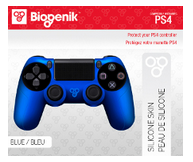
Controller skins are good in theory, but in application never hold up. They are awkward to put on, slide around once around the controller, and collect dirt and dust like nobody’s business. If you’re worried about getting your DS4 dirty, just wipe the Doritos fingers off on your pants or something, and give these a pass. (via EB)
-
10) Charging Station
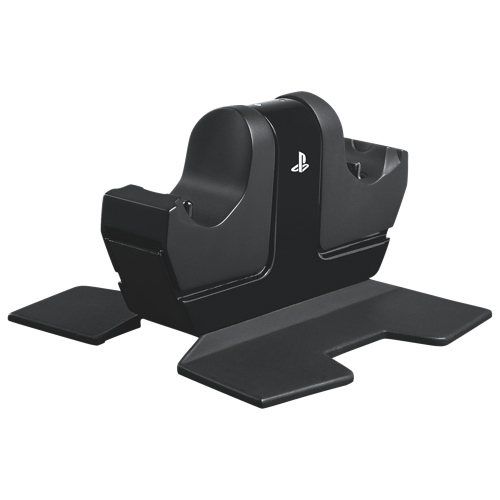
A charging station for any controllers that don’t switch out batteries or rechargeable packs is almost a no brainer, and docking stations are my favorite. They don’t take up a (limited) USB port, they fit multiple controllers, and look pretty on your shelf. (via Bestbuy)
-
11) Nyko Smart Clip
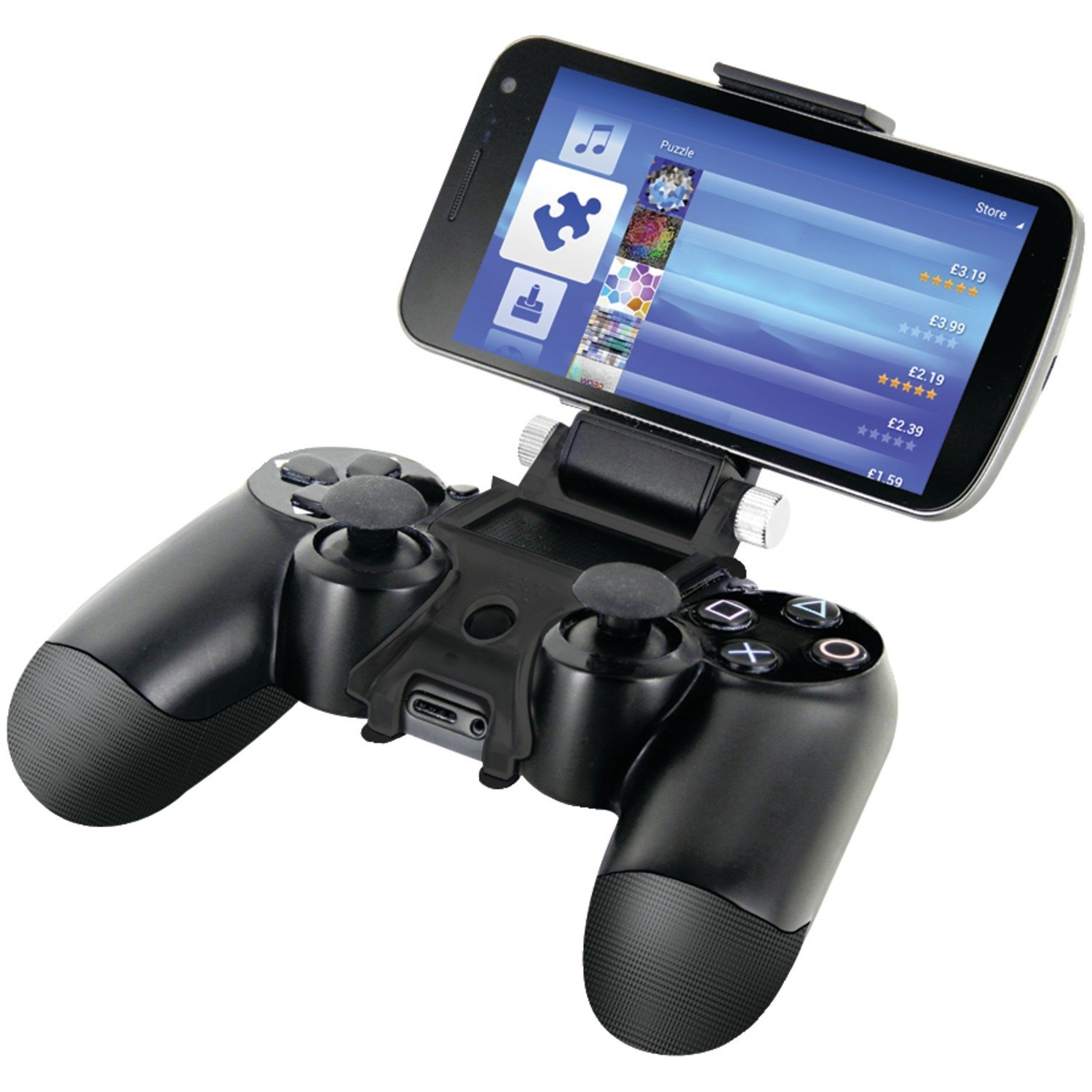
Just please don’t, for the love of the Maker. (via Amazon)
-
12) Memory Card

The included memory card on the Vita is weak, plain and simple. An upgrade is necessary, and so I recommend you go big or go home, and save yourself the trouble of multiple cards. 32GB is the largest available in North America; if that’s not enough, you can always import the 64GB card. They’re pricey, but worth it. (via Chapters)
-
13) Storestand

These things are weird. Whether you’re using it to prop up your Vita while playing, or display it while not in use -- just no. Use your muscles or protect it from dust, you silly. (via EB)
-
14) Trigger Grip
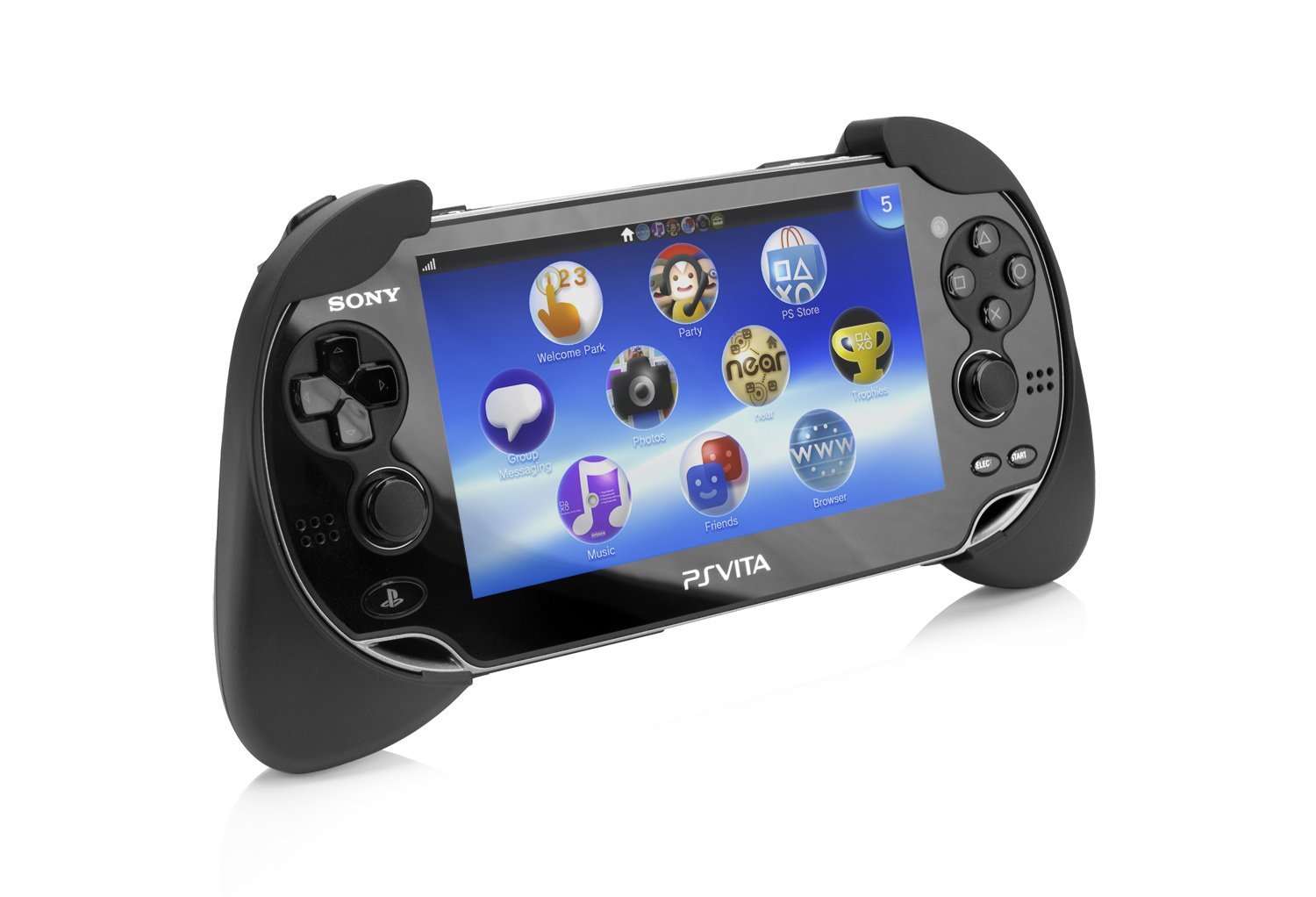
While not a personal user of trigger grips, I both know that they’re popular and can appreciate the added value. They make extended Vita play more comfortable and fit perfectly in the hands. They also help to enhance some gameplay, especially with shooting and sports games. (via Amazon)
-
15) Carrying Case
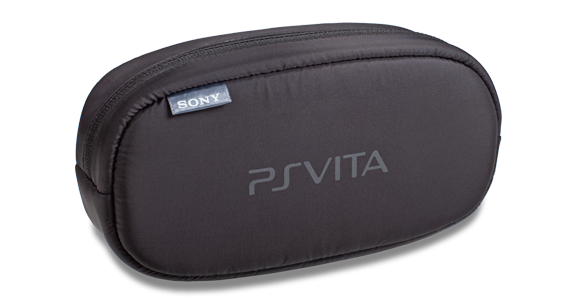
Speaking of a carrying case, in my opinion it’s a must. One of the greatest advantages to the Vita is its portability, and you want to make sure that you’re keeping it safe while you’re on the go. Soft cases are always my recommendation for saving space, and most come with slots for games, memory cards, and other accessories. (This one also fits my 3DS, so I have everything in one convenient place). (via PlayStation)
-
16) Portable Charger
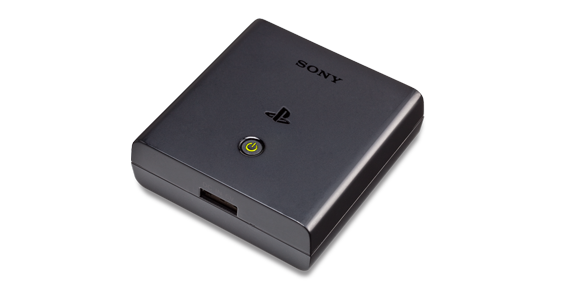
On a case by case basis, this could be worth the money. If you do a lot of travelling that keeps you away from a USB port or plug, then having a backup battery charge isn’t a bad idea. Otherwise, it’s a bigger money investment with much less of a payout. (via PlayStation)
-
17) Crystal Case
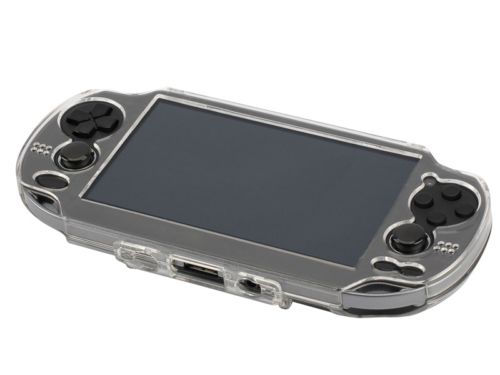
Want to make your Vita look junky while also making sure every trapped bit of dirt is visible? Well then this is for you! Seriously though, skins are bad, but hard crystal cases are the worst, not to mention I’ve seen them crack from using the Vita while it’s inside. Get a case, and trust yourself. (via eBay)
-
18) PS4 Guard
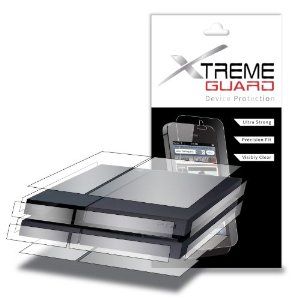
I saved the best for last. Really, guys? Really? What is this even protecting it from? Please don’t do this to that gorgeous piece of hardware. I beg you. (via Amazon)