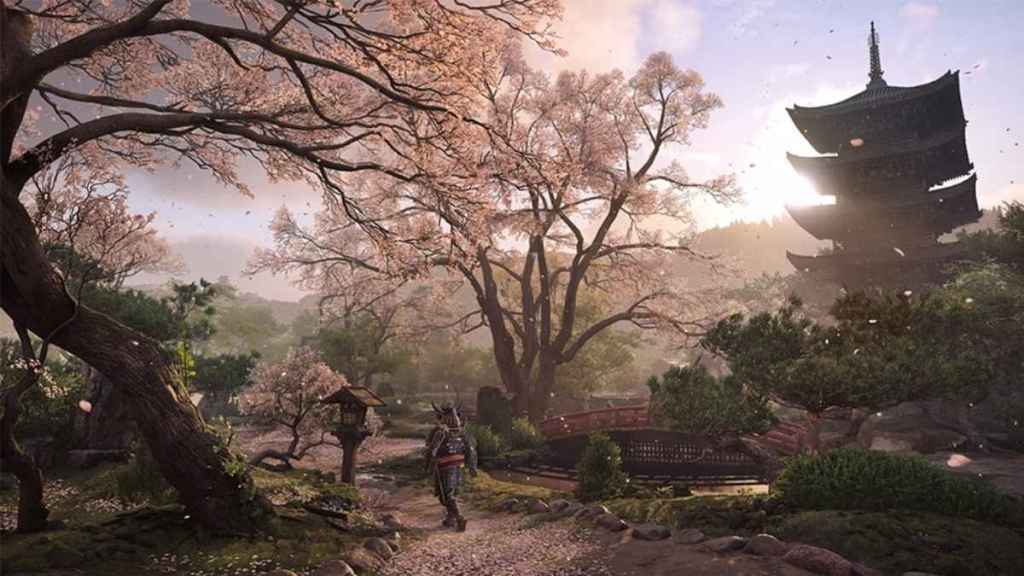
The PlayStation 5 Pro’s PSSR 2.0 update is officially out now, adding a brand new game to its running list of titles that support the function.
What adventure game recently got PSSR 2 support?
In a new blog post, Ubisoft confirmed that Assassin’s Creed Shadows, the 2025 release that takes the franchise to Japan, officially has PSSR 2 support. Shadows was one of several titles that was announced to be getting support and now joins a long list of titles that will see its looks and play boosted thanks to PSSR 2.
The full list of games that will support PlayStation 5 Pro’s PSSR 2.0 includes:
- Silent Hill 2
- Silent Hill f
- Dragon Age: The Veilguard
- Control
- Alan Wake 2
- Senua’s Saga: Hellblade II
- Final Fantasy VII Rebirth
- Nioh 3
- Rise of the Ronin
- Monster Hunter Wilds
- Dragon’s Dogma 2
- Crimson Desert
- Assassin’s Creed Shadows
Cyberpunk 2077 will also be receiving compatibility updates for PSSR 2.0 in the coming weeks.
The new PSSR 2 will be a big one for the PS5 Pro. According to PlayStation, the new version of PSSR is something the company has been working on for some time, and “takes a very different approach” than how it has in the past. The recently released Resident Evil Requiem, which is out today, will be the first title that uses the new PSSR, and will keep both the frame rate and image quality of the game.
In a statement on the new update and how it works with the recently released Resident Evil Requiem, Capcom’s Masaru Ijuin said that the updated PSSR allows for the company to “elevate our expressiveness by successfully processing these details and textural particularities, which are traditionally difficult to upscale because of their intricacy. We hope you will experience this unprecedented level of horror and visual fidelity, and the new gameplay feel it delivers.”
Fans who receive the update can turn on or off the enhanced PSSR quality in the system’s settings. Under the Screen and Video settings, in “Video Output,” fans can turn the setting on and off.