Another game for the PlayStation 5 is getting PSSR 2 support for its PS5 Pro version, adding a fan-favorite hit game from last year to the list.
What hit game is getting surprise PSSR 2 support on the PS5 Pro?
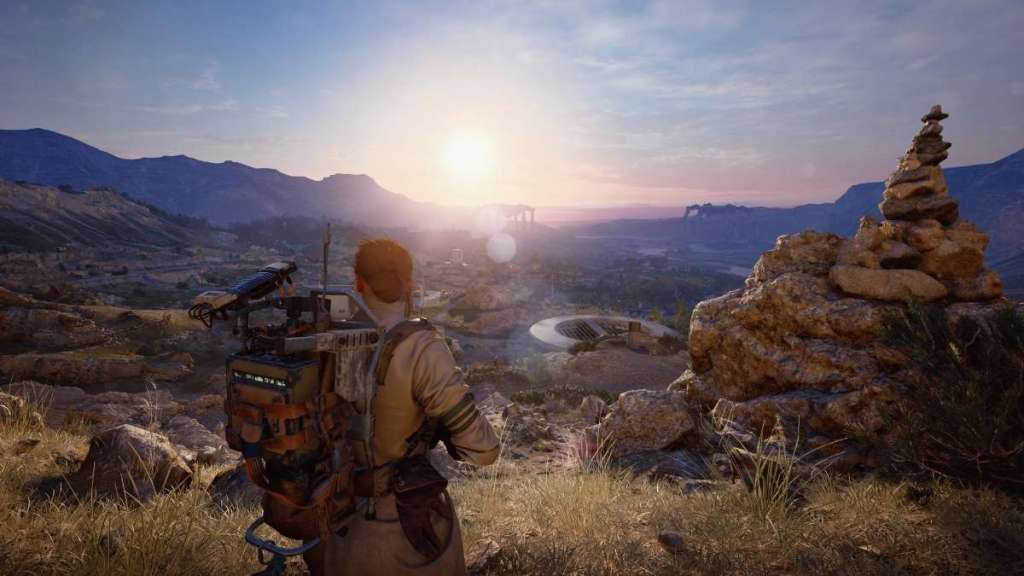
Embark Studios’ hit 2025 multiplayer game Arc Raiders, which quickly became a massive hit that earned award nominations, is getting PSSR 2 support for the PlayStation 5 Pro.
The new information comes as part of Arc Raiders’ latest update, Riven Tides. The new update is set to release on April 28, 2026, and will include a new map, new ARC turbine, new map conditions, player event, and a handful of quality of life updates as well. Full information on the update can be found on Embark Studios’ blog.
As far as the PlayStation side of things goes, Arc Raiders’ update will bring with it PSSR 2 support. According to Embark, this will result in “sharper visuals, making environments appear cleaner and more stable, with better reconstruction of fine details” for players on the PlayStation 5 Pro.

The full list of games that have been confirmed to support PlayStation 5 Pro’s PSSR 2.0 now includes:
- Silent Hill 2
- Silent Hill f
- Dragon Age: The Veilguard
- Control
- Alan Wake 2
- Senua’s Saga: Hellblade II
- Final Fantasy VII Rebirth
- Nioh 3
- Rise of the Ronin
- Monster Hunter Wilds
- Dragon’s Dogma 2
- Crimson Desert
- Assassin’s Creed Shadows
- Cyberpunk 2077
- The Finals
- Arc Raiders
The new PSSR 2 is big for the PS5 Pro. According to PlayStation, the new version of PSSR is something the company has been working on for some time, and “takes a very different approach” than how it has in the past. Resident Evil Requiem was the first title to use the new PSSR and will keep both the frame rate and image quality of the game.
Players can turn the enhanced PSSR on or off in the system’s settings, under the Screen and Video settings in “Video Output.”