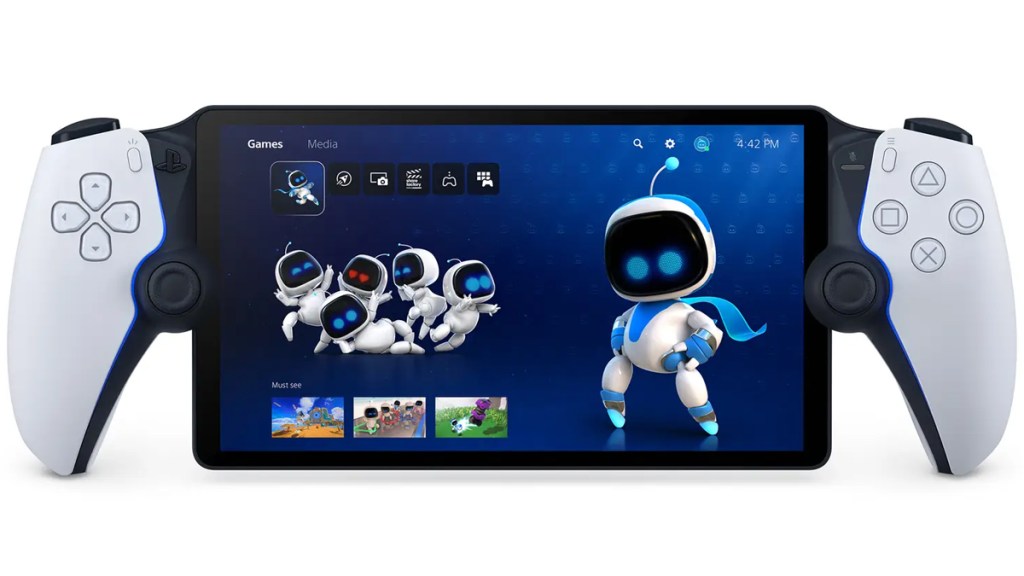
It’s finally happened: Sony is rolling out a massive PS Portal system update for November 2025 today, with highly demanded features. Confirming a recent leak, the company has confirmed that Portal users can now purchase and stream games without a PS5, effectively making it a stand-alone handheld rather than just a remote player. Previously, players could only stream PS Plus games directly.
PS Portal November 5, 2025 update patch notes and details
With a PS Portal and a PS Plus Premium subscription, players can not only stream games available in the subscription catalog, but also those games that they’ve purchased or wish to purchase from the PS Store.
A full list of streamable games is available here.
In addition to the above, PS Portal has been updated with the following features:
Redesigned UI
- Remote Play home screen: Connect to a PS5 console paired with the PS Portal to enjoy games installed on that console. A PlayStation Plus membership is not required for Remote Play.
- Cloud Streaming home screen: A new dedicated home screen for Cloud Streaming allows PlayStation Plus Premium members to instantly stream a range of compatible PS5 games without waiting for downloads.
- Search screen: Quickly look up any game that supports Cloud Streaming. If you don’t have the entitlement to stream a game, a QR code will be displayed to direct you to the PlayStation App or to a web browser on another device.
New Features for Remote Play and Cloud Streaming
- 3D Audio Support: 3D Audio is now available during Remote Play and Cloud Streaming on supported games, when using a compatible audio device. Immerse yourself in spatial sound with wired headphones or a compatible PlayStation Link wireless audio device such as the Pulse Explore wireless earbuds and Pulse Elite wireless headset.
- Passcode Lock: Protect your device by setting a passcode on your PS Portal.
- Network Status Screen: A stable internet connection is essential to ensure the best experience on PS Portal. You can now quickly check your connection quality with an easy-to-access status view.
- During Cloud Streaming or Remote Play, open the Quick menu and go to Troubleshoot > Show Network Status.
New Features for Cloud Streaming
- In-Game Store: In-game purchases are now supported during Cloud Streaming. You can purchase add-on items and in-game currencies without leaving your game session, and receive benefits instantly.
- Just like before, you can also make in-game purchases during a Remote Play session.
- Accessibility Options: Enable new accessibility options during Cloud Streaming, such as screen reader and adjustable text size.
- Go to Settings > Cloud Streaming > Accessibility Settings for Cloud Streaming.
- These settings will only apply to select screens during Cloud Streaming. You can continue to access the PS5 console’s settings menu to adjust accessibility settings during Remote Play.
- Game Invitations: Receive game invites from friends that are playing the same game during Cloud Streaming, and join a multiplayer session directly from the Quick menu.
Now all we need is cloud streaming to be expanded to regions beyond Europe and North America!