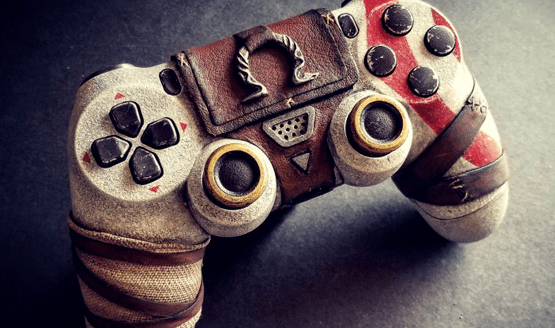
The coolest controller I have is my red DualShock 4, and before that is was my semi-transparent DualShock 3, but these and even that custom Destiny 2 controller revealed earlier today have nothing on Devin Smith’s fully functional custom God of War controller. Where other controller reskins are nothing more than a vinyl wrap or painted shell, Devin’s custom design looks like it has been sculpted from stone, bound with leather and cloth, and set upon by the very ash that cover Kratos’ skin.
The leather cover over the touch pad can lift away on a hinged flap, almost like a book cover, allowing you to use the touchpad underneath. Smith covered up the lightbar but uses the internal light to illuminate Norse runes set into the back of the controller. Surprisingly, despite all of the custom work, this controller doesn’t look like it would be all that uncomfortable to play with. Smith has done an excellent job at maintaing the spirit and form of the DualShock 4 while adapting his custom creativity onto its surface. There’s no denying that Devin Smith has created quite the impressive showpiece with this custom God of War DualShock 4.
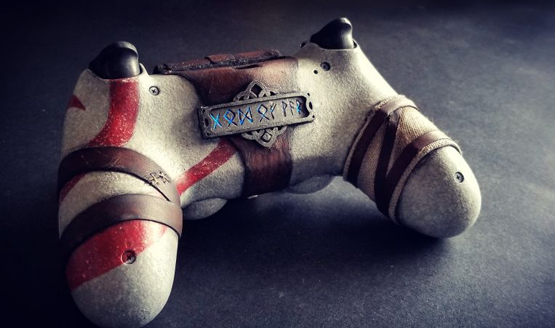
Before I get your hopes up, this God of War controller isn’t hitting retail. The one-of-a-kind custom controller is part of a collection of custom controller and console work that Smith does, including designs themed around Just Cause 3, Deus Ex, Metal Gear Solid, Fallout, and Hitman. You can visit Smith’s site, End of the Line, to check them all out. He does have a contact section, so it just might be worth reach out to see what any kind of custom controller or console work would run you.
What themed controller or console ideas do you have? Any inspiration you would want Smith to take into account for his next project? Let us know what you think in the comments.
[Source: Kotaku]
How to Clean PS4 Controller
-
How to Clean a PS4 Controller
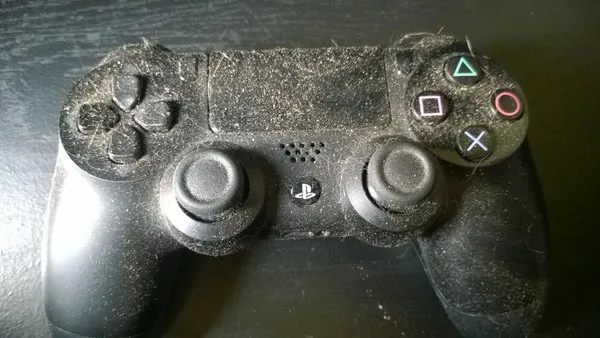
Hopefully yours isn't this bad.
-
What You Need
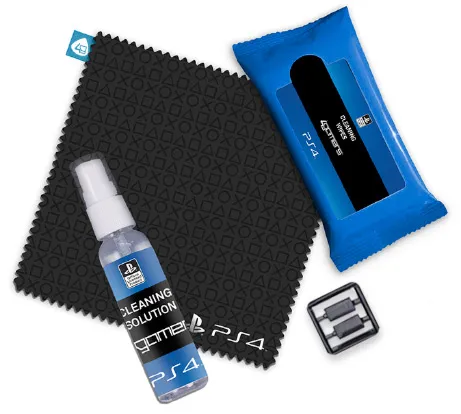
You really don't need anything fancy to clean up your PS4 controller. Don't be fooled by the spiffy kits that pop up on Amazon or Target. All you really need are:
- a lint-free cloth
- cotton balls
- cotton swabs a.k.a Q-tips
- toothpicks or a business card
- rubbing alcohol
-
Clean the PS4 Buttons
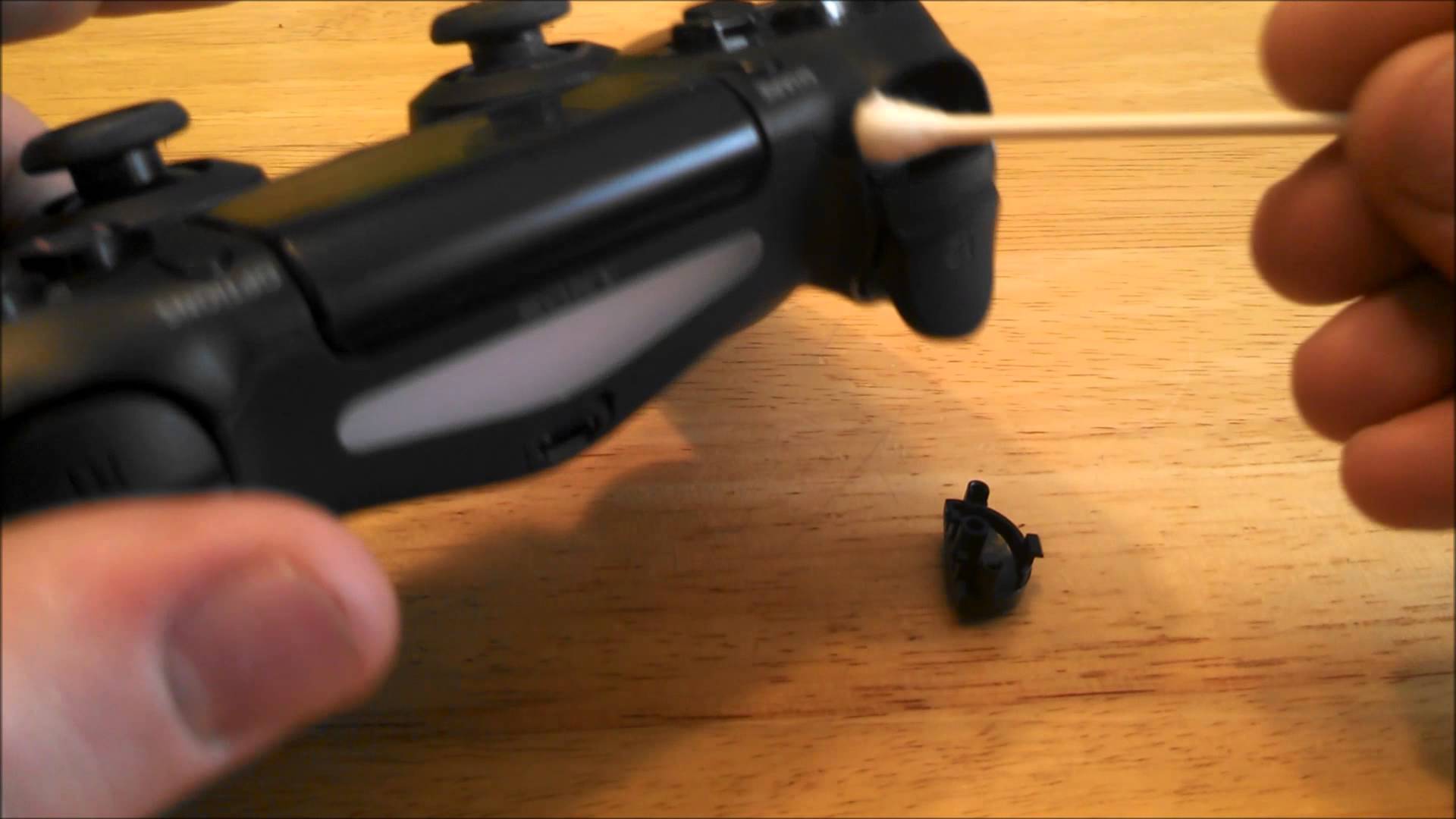
Have buttons that stick? They're probably filthy instead of broken. The buttons can trap the most dirt and grime, and as such, should be cleaned first.
- With the toothpick or business card, clean in between all the crevices surrounding the buttons. You'll be both shocked and disgusted with how much gunk can be caught in these grooves. Be careful when jamming in that toothpick that you don't inadvertently break something.
- Dab rubbing alcohol on your cotton swab and gently clean around the buttons.
-
Clean the PS4 Analog Sticks
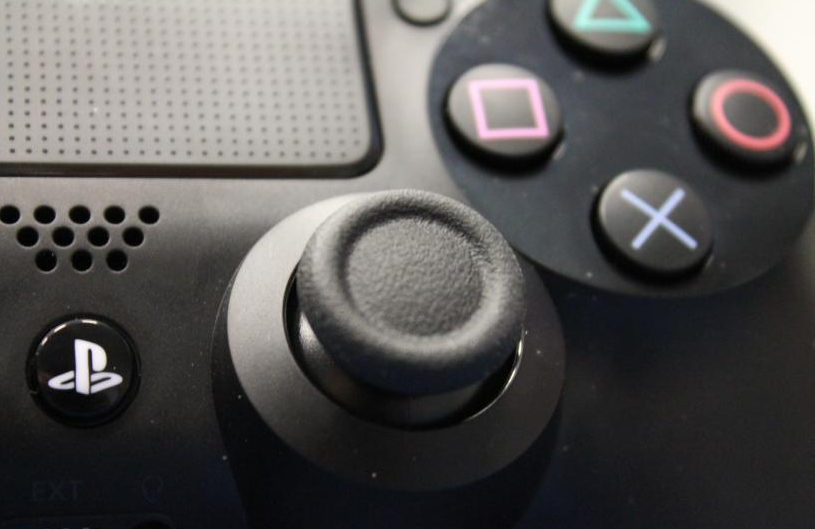
Now that your buttons are nice and squeaky clean, it's time to give your analog sticks the same treatment. The steps are pretty much the same as cleaning the buttons, so let's get to it. Second verse, same as the first!
- Curl your business card (maybe use the opposite end or a different card after cleaning the buttons) to get up underneath the lip of the controller where it meets the sticks. If you aren't using a business card, then use another toothpick to clean out any grime trapped in the surrounding crevices.
- Dab rubbing alcohol on a cotton swab and run it around the base of the stick and underneath the controller lip. Clean the stalks as well.
-
Clean the PS4 Controller Itself
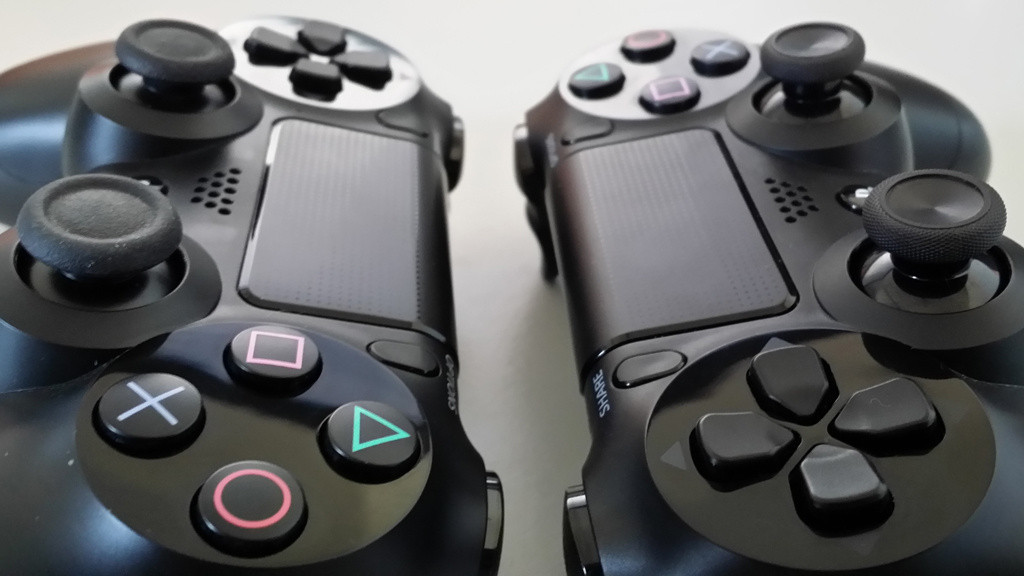
And the third verse is the same as the first as well, but this time with the controller body! Well, it's almost exactly the same. There's a third step to clean the body of the controller itself.
- Use the business card or toothpick (surely you're using different cards or toothpicks by now) to clean out gunk trapped in all the creases of the controller.
- Take a cotton swab dipped in rubbing alcohol and clean the same crevices.
- Dab a cotton ball in rubbing alcohol and clean your entire controller.
-
In Between Cleanings

In between these deep cleanings, take a lint-free cloth and wipe down your entire controller. If you do this after every game session, you may never need a deep cleaning at all!